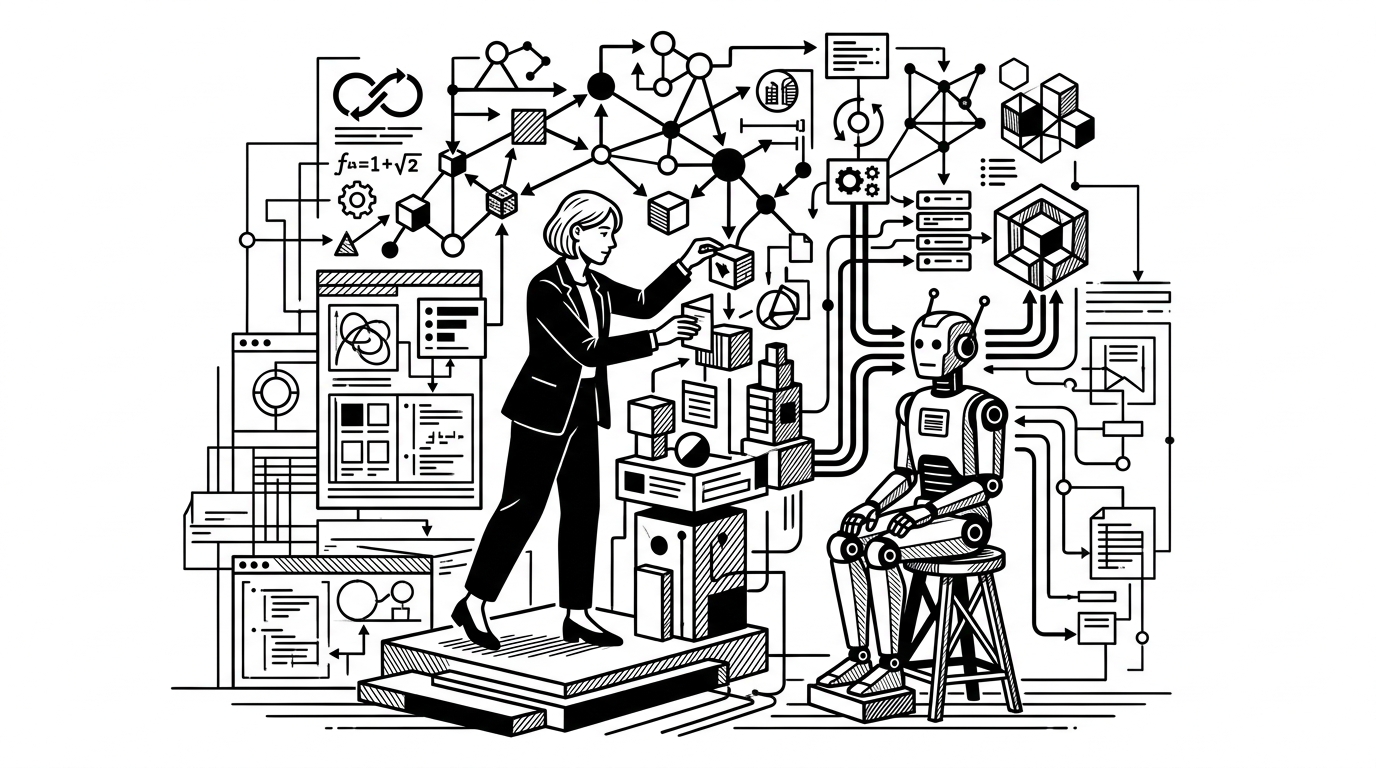
During a long session in my studio, I watched a Claude agent attempt to refactor the same 12 lines of code three times because it didn't understand the boundary of the monorepo. It was a clear signal that while the cost of generating code has collapsed, the cost of managing that generation is the new bottleneck. For a one-person studio, this isn't just a technical friction; it is a drain on the most valuable asset I have: my time and judgment.
The shift from writing code to architecting the context in which code is written is what I call context engineering. It is the practice of building a "house" for the agent to live in so it doesn't wander into the yard and start digging holes. In my own work, this boils down to two specific artifacts: the instructions file and the codebase map.
The Rules of the House in CLAUDE.md
The instruction file—often named CLAUDE.md in the root of a project—is where the "owner’s manual" for the codebase lives. It is not a place for high-level mission statements or vague goals. It is a technical constraint layer. I learned the hard way that if you don't define the "how," the agent will default to the most generic, middle-of-the-road implementation it can find in its training data.
A functional instructions file should cover three specific areas: technical stack, patterns, and commands. I list the exact versions of the libraries we use, the preferred naming conventions for components, and the specific ways I want errors handled. For example, if I prefer functional components over classes in a React project, I state it plainly. If I want all API calls to go through a specific wrapper, I point to it.
The goal is to eliminate the agent's need to guess. When an agent guesses, it drifts. When it drifts, the human operator has to spend ten minutes undoing a "hallucinated architecture" that should have taken ten seconds to implement. The instructions file is the guardrail that keeps the agent's work aligned with my taste and standards.
Mapping the Territory
An agent sees a codebase through a straw. It can look at a few files at a time, but it often loses the "shape" of the project as a whole. This is where the codebase map comes in. It is a simple text file, usually updated automatically, that outlines the directory structure and the responsibility of each module.
In a studio environment where I might be jumping between three different brands—Inky, Pregnancy Power Hour, and The F1 Formula—I cannot expect an agent to instantly understand how the authentication layer in one project differs from the next. The map provides the "you are here" marker.
A good map includes a tree view of the directories and a one-sentence description of what happens in each folder. It also identifies the "entry points"—the files where the logic actually starts. When I provide this map to an agent, I am essentially giving it a GPS instead of a compass. It knows that a change in the database schema will ripple into the /types folder and the /api folder because those connections are documented in the map.
The Discipline of the Scratchpad
Beyond the map and the instructions, there is the issue of state. Agents have a "context window," but that window is a sliding scale. As the conversation gets longer, the agent forgets the decisions we made forty turns ago. To solve this, I use a NOTES.md or a SCRATCHPAD.md file.
This file serves as the agent's short-term memory. At the end of every significant task, I have the agent update this file with what was changed, what is still pending, and any new patterns we established. If we decided to use a specific utility for date formatting instead of a third-party library, that goes in the scratchpad.
This prevents the agent from suggesting the wrong library in the next session. It also allows me, the human operator, to step away for a day and come back with a clear record of where the work stands. It is the digital equivalent of leaving a tool on the workbench in a specific orientation so you know exactly where to pick it up.
Operating the System
Context engineering is not a "set it and forget it" task. It is a maintenance task. As the project grows, the map needs to be refreshed. As my preferences evolve, the instructions file needs to be updated.
In my workflow, I treat these files as part of the codebase itself. They are checked into version control. They are reviewed. They are the documentation that actually matters because they are the only documentation that is read every single time the project is opened.
The leverage here is immense. When the context is right, I can ship a feature in an hour that would have taken a day of manual coding. When the context is wrong, I spend that hour arguing with a machine about why it shouldn't use a deprecated library. The difference between a tool that works for you and a tool you work for is the quality of the constraints you provide.
The shift toward agentic engineering means that my primary job as an owner is no longer just typing characters into a file. It is defining the environment where those characters are generated. The cleaner the environment, the faster the shipping.
When the agent understands the boundaries, it stops guessing and starts building. This allows me to focus on the judgment calls—the design, the user experience, and the business logic—while the machine handles the repetitive implementation. Without these maps and rules, the agent is just a very fast typist with no sense of direction. With them, it becomes a reliable extension of the studio's operating system.
The operator who masters context is the one who can actually run a portfolio of products without being buried by the maintenance of any single one of them.
Studio Notes
How I’m building the studio.
The operator’s log — systems, decisions, and what’s working.
Written by
Founder, Total Ventures
Solo-founder building a multi-brand product studio with AI agents. Writing about building, operating, and shipping.